
Comparing Graphic Design Software: Which One is Right for You?


Choosing the right graphic design software can be a daunting task, especially with the wide variety of options available today. Whether you're a professional designer or a hobbyist, finding the right tool can significantly impact your creativity and productivity. In this post, we'll compare some of the most popular graphic design software to help you make an informed decision.
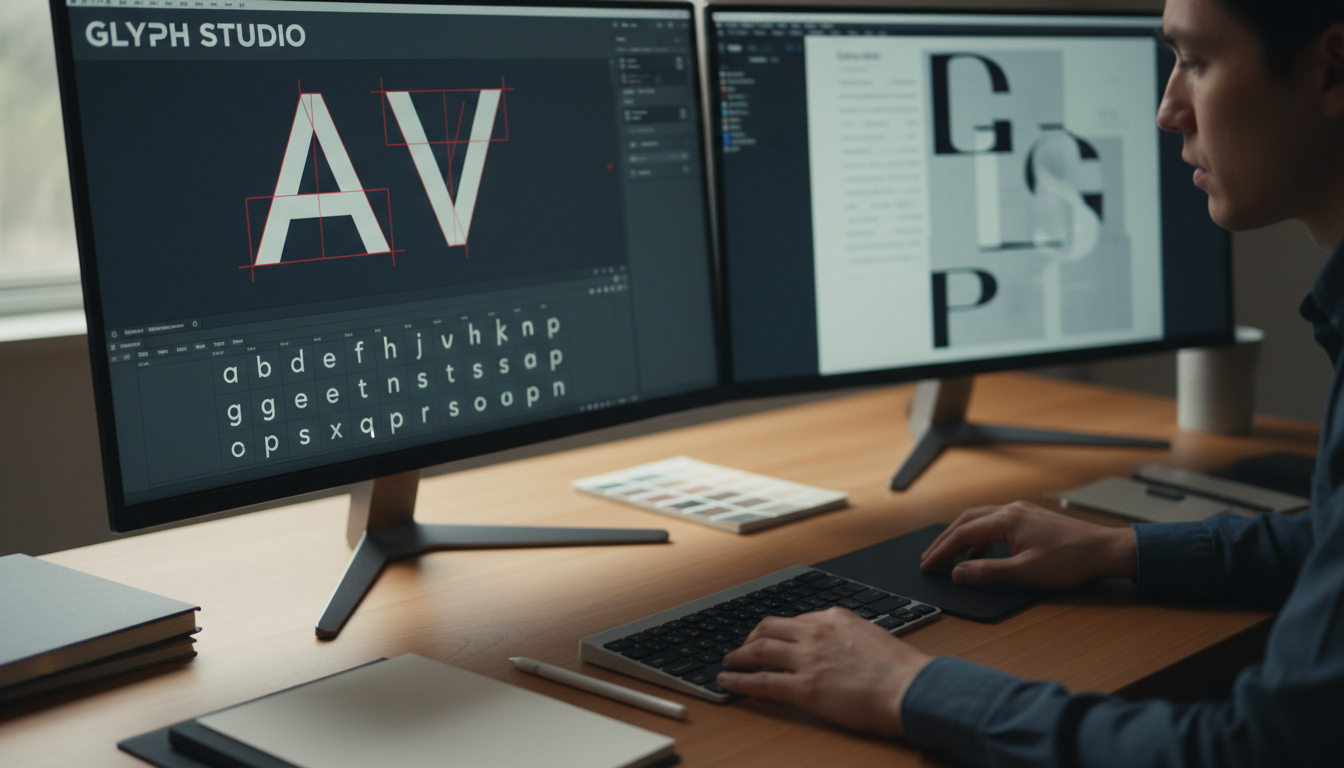
Adobe Photoshop
Adobe Photoshop is a household name in the world of graphic design. Known for its vast array of features, it is the go-to software for many professionals. With powerful tools for photo editing, digital painting, and graphic design, Photoshop offers incredible versatility. However, its complexity can be a hurdle for beginners.
If you're looking for a tool that provides extensive editing capabilities and you don't mind investing time to learn, Photoshop might be the perfect fit. It's available through a subscription model, which can be a consideration for budget-conscious users.
Core Features
- Comprehensive editing tools
- Layer-based editing
- Wide range of plugins and extensions
Adobe Illustrator
For those focused on vector graphics, Adobe Illustrator is unmatched. Ideal for creating logos, icons, and illustrations, Illustrator provides precision and scalability. Its intuitive interface is a plus for both beginners and experienced designers.
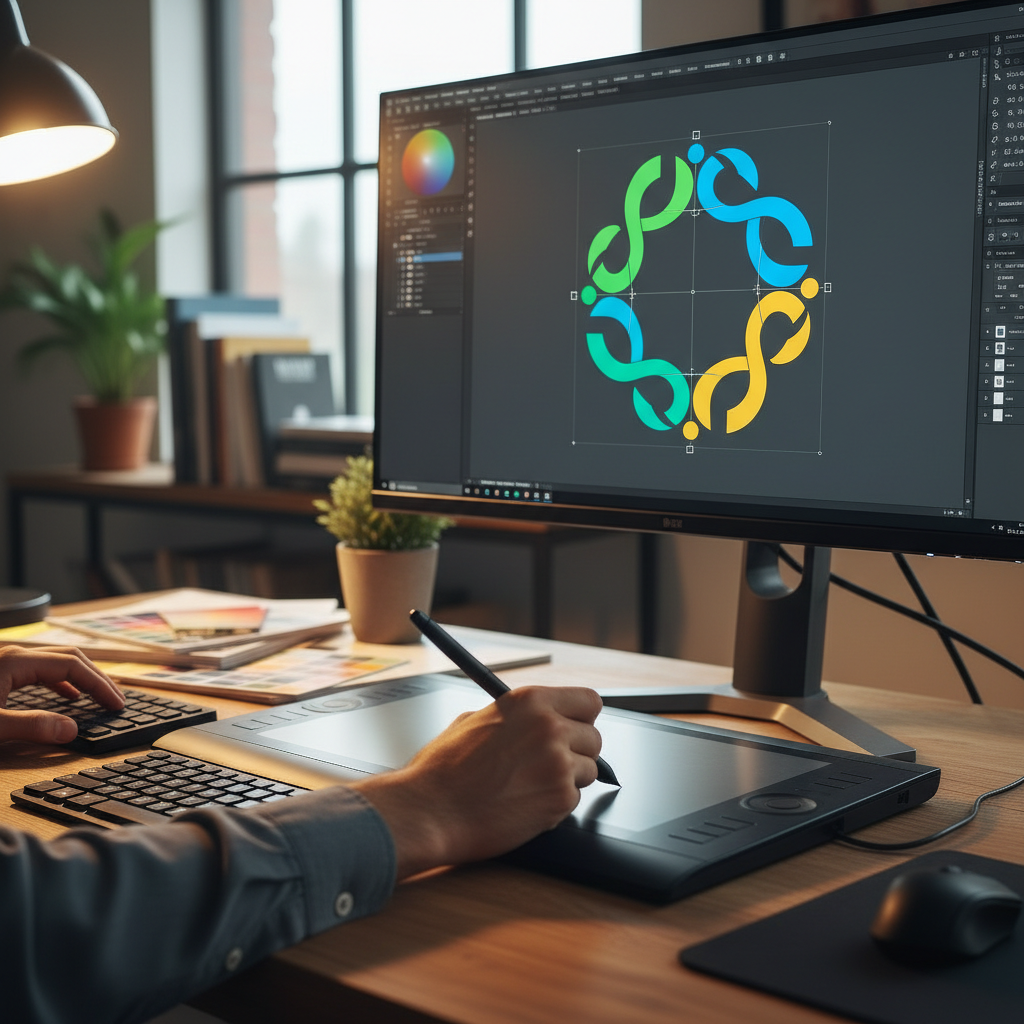
Illustrator is also part of Adobe's Creative Cloud, which means it integrates well with other Adobe products. However, like Photoshop, it requires a subscription, which might be a downside for some users.
Core Features
- Advanced vector tools
- Seamless integration with other Adobe products
- Customizable brushes and effects
Affinity Designer
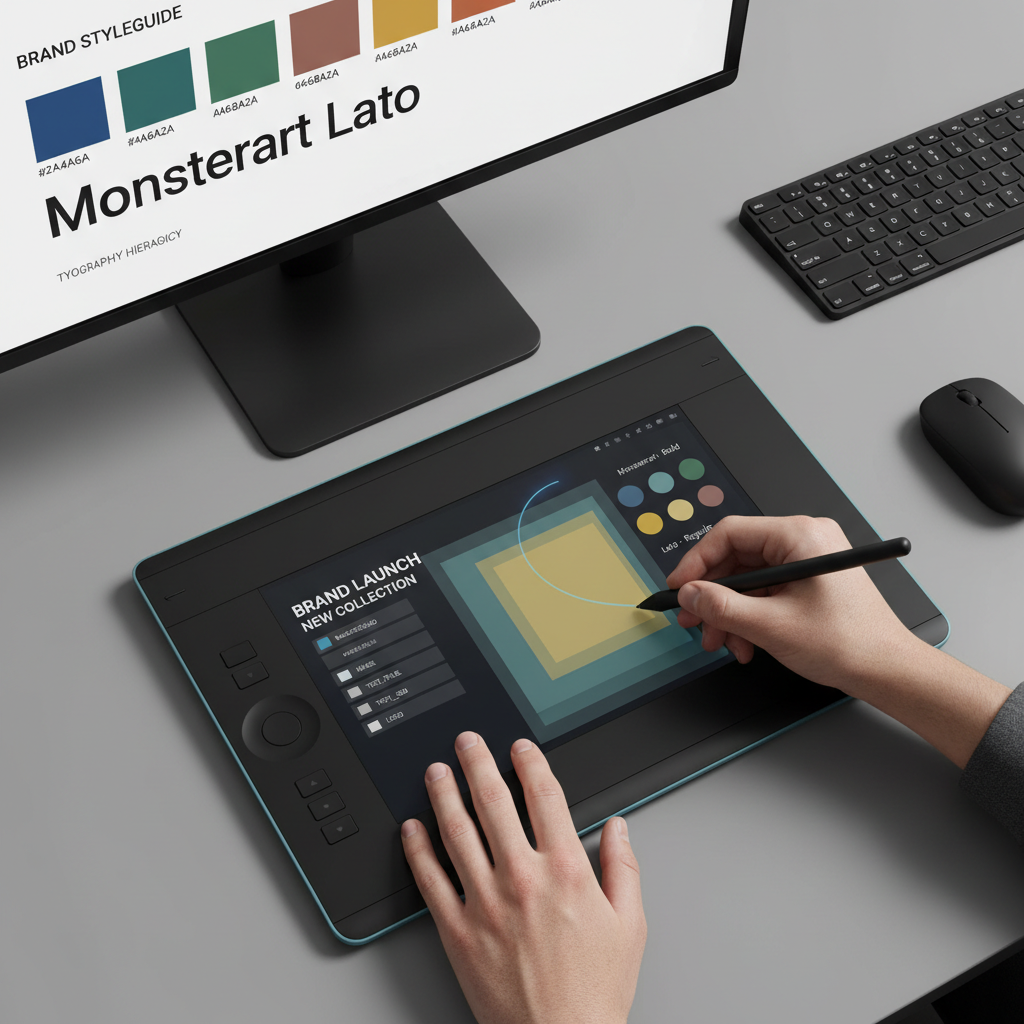
Affinity Designer is a cost-effective alternative that offers many features found in Adobe Illustrator. It's praised for its one-time purchase model, making it accessible for those who prefer to avoid subscriptions. The software is known for its speed, precision, and smooth performance.
While it may not have all the features of Illustrator, Affinity Designer is a strong contender for designers who need powerful vector tools without the ongoing cost.
Core Features
- Real-time performance
- One-time purchase model
- Cross-platform support
Canva
Canva is perfect for those who need to create quick designs without delving into complex software. It's an online tool that offers a drag-and-drop interface, making it ideal for beginners or those who need to produce designs rapidly. While it's not as powerful as Adobe products, its simplicity and ease of use make it a favorite among non-designers.
Canva offers a free tier, with premium features available through a subscription. It's particularly popular for social media graphics, presentations, and marketing materials.
Core Features
- Easy-to-use interface
- Extensive library of templates
- Collaboration features
Conclusion
Choosing the right graphic design software depends largely on your needs, budget, and skill level. For professional, in-depth editing, Adobe Photoshop and Illustrator are top choices. If cost is a concern, Affinity Designer offers robust tools at a one-time cost. For quick and simple designs, Canva provides an accessible solution.
Consider what features are most important to you and try out a few options before committing. Each software has its unique strengths, and the best choice will align with your specific creative needs.